Works with the camera you already own
Advanced AI recognition on any camera.
No false alerts.
Motion detection is why your CCTV app has 40 unread notifications and you have stopped opening it. Bluggie watches the stream your camera already serves, recognises people in it, and tells you once — when it is actually someone.
- Nothing to install at home
- One person, one alert
- ~2s from doorstep to phone
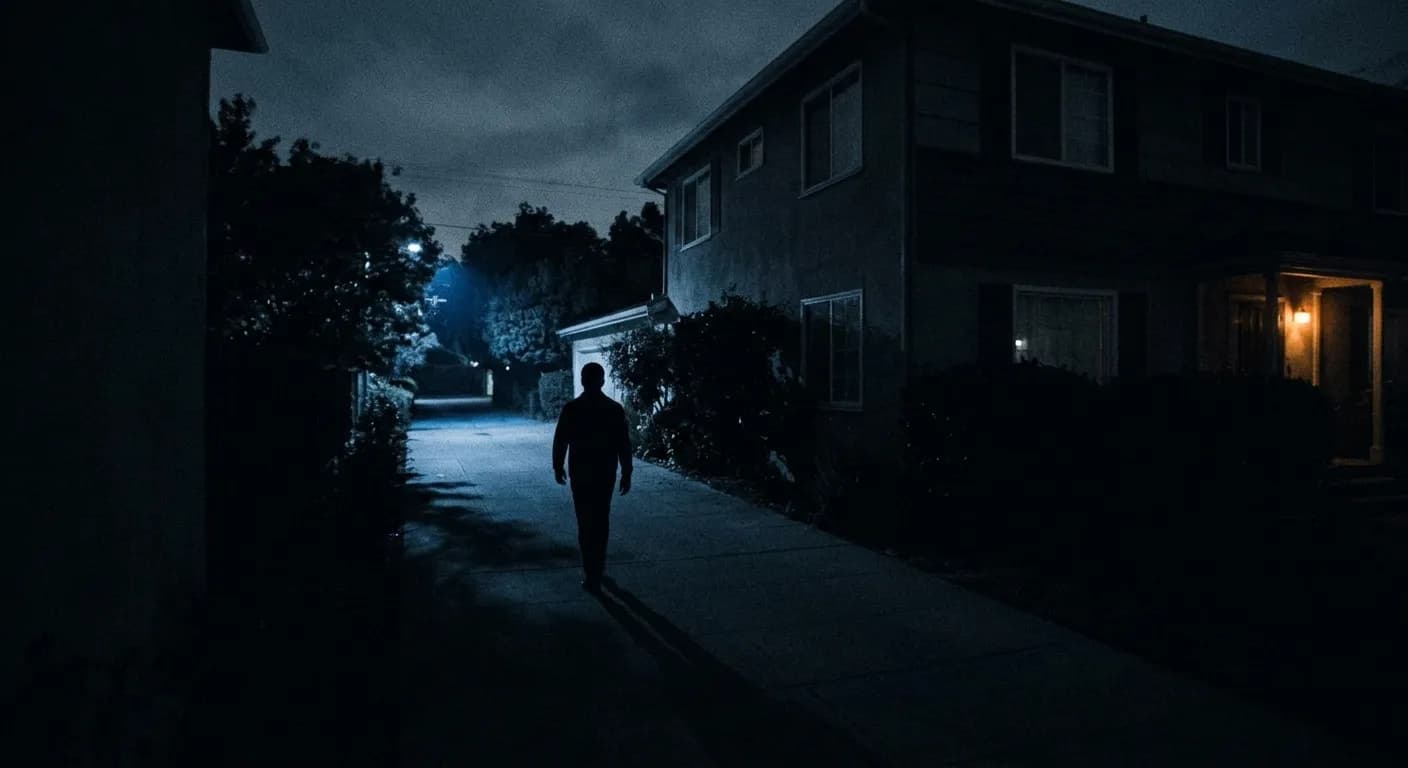
The next eleven frames of the same person are recorded and not sent to you.
Motion is not the thing you care about
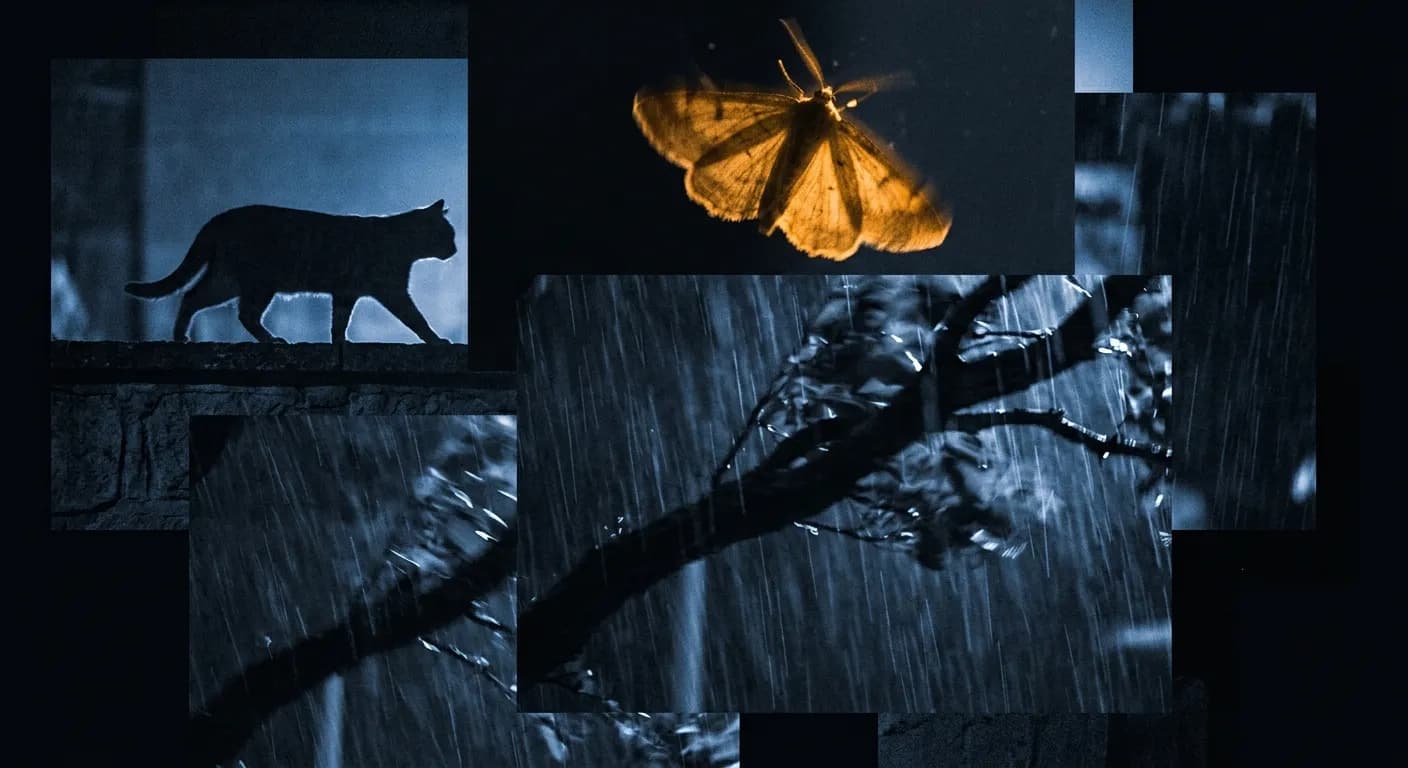
Your camera fires on pixels changing. At night, under an infrared lamp, the pixels change constantly — and every one of these is a notification:
A moth on the lens — Two centimetres from the sensor, so it fills the frame.
A branch in the wind — Moves for as long as the wind blows.
Your neighbour's cat — Every night, at the same time, on the same wall.
Rain and headlights — Whole-frame brightness changes read as motion.
A camera you have muted protects nothing. The failure mode is not the false alert itself — it is the real one you scroll past three weeks later.
How it works
Three steps, and only the first one is yours
- 01
Point us at your camera
Paste the RTSP address your camera already serves on your home network, and open one port on your router. We check it works before saving it — and tell you exactly which of the three usual things is wrong if it does not.
Takes about ten minutes, once.
- 02
We watch it, in the cloud
Our server holds the connection open and looks at one frame every two seconds. Each frame goes through a person recognition model — not a motion threshold. A cat is not a person. A branch is not a person.
Nothing runs in your house. No box, no PC left on.
- 03
You hear about people
One person walking up your driveway is one notification, not fifteen — and if they are still there fifteen minutes later, you get told that too. Every frame is kept for two weeks so you can look afterwards.
Roughly two seconds from doorstep to phone.
Why it stays quiet
Recognising people is only half of it
A driveway camera sees the postman, your neighbour and you — twenty times a day. A hundred correct alerts is the same failed product as a hundred wrong ones.
So six independent brakes sit between a detection and your phone. Each one is a number you can change, and the dashboard tells you which one stopped any given sighting.
Is it a person?
0.45 confidenceCats, branches, headlights, rain, moths
Is it close enough to matter?
0.15% of frameThirty-pixel “people” on the pavement opposite
Are we sure?
2 frames, or 1 above 0.75Single ambiguous frames — where the last false positives hide
Is this the same person?
90-second gapForty-five frames of one visitor becoming forty-five alerts
Did we just tell you?
10 minutes per cameraSomeone pacing in and out of frame
Is today getting silly?
20 alerts per cameraA camera accidentally pointed at a public footpath
Nothing is thrown away. A suppressed sighting still appears in your timeline with the reason it was suppressed — so the question “why wasn’t I told about this?” always has an answer.
Cameras
If it speaks RTSP, it works
Nearly every IP camera serves an RTSP stream on your home network — it is the most universal thing in the category. You do not buy new hardware and you do not replace your recorder.
Verified stream paths
- Hikvision
/Streaming/Channels/102 - Dahua
/cam/realmonitor?channel=1&subtype=1 - AmcrestDahua OEM
/cam/realmonitor?channel=1&subtype=1 - LorexDahua OEM
/cam/realmonitor?channel=1&subtype=1 - Reolink
/h264Preview_01_sub - TP-Link Tapo
/stream2 - Axis
/axis-media/media.amp - ONVIF
We help you find it
We use the substream — 640×480 is all the model needs, and it costs your uplink almost nothing.
Not supported, and won’t be
Ring · Nest · Arlo · Blink · Wyze
Closed ecosystems with no local stream at all. The only way in is the vendor’s own cloud, and that door is shut. No amount of work on our side changes it, so we would rather you knew now.
The part that actually trips people up
We connect into your house, so your router has to let us in — one forwarding rule, and we walk you through locking it to our single IP address so the camera is reachable by us and nobody else.
Some broadband plans — mobile broadband especially, and the cheaper fibre tiers — put you behind CGNAT, where your router has no public address and forwarding cannot work at all. Sign-up checks this in about ten seconds — before you go anywhere near router settings.
Pricing
Priced per camera, not per alert
No hardware to buy, no contract, no installer. Start on the free camera and only pay once it has earned it.
Free
Enough to find out whether it actually shuts your camera up.
€0forever
- 1 camera
- 3 days of footage
- Person recognition, all six brakes
- Email alerts
Home
A gate, a front door and a back yard.
€9per month
- 3 cameras
- 14 days of footage
- Push, email and webhook alerts
- Per-camera sensitivity and quiet hours
- Full timeline, including what was suppressed
Property
A larger house, a shop, or a small site.
€24per month
- 8 cameras
- 30 days of footage
- Everything in Home
- Zones and line crossing
- Priority support
Prices in euro, excluding VAT. Cancel from the dashboard in one click — your footage stays available for its retention window either way.
FAQ
The questions worth asking first
Including the two that might talk you out of it. Better now than after you have spent an evening in your router.
Do I have to leave a computer or a box running at home?
No. That is the whole point. Your camera already serves a stream; we connect to it from our server. There is nothing to install, nothing to plug in, and nothing to keep powered.
What do I have to change on my router?
One port-forwarding rule, pointing at your camera. During sign-up we give you the single IP address our server connects from, and show you how to restrict the rule to it — so the camera is reachable by us and by nobody else scanning the internet. If your router cannot restrict by source address, we tell you what that trade-off actually costs you.
What is CGNAT and how do I know if I have it?
Some broadband plans do not give your router a public address of its own — it shares one with other customers. Port forwarding then cannot work at all; this is not a setting anyone can fix. It is common on mobile broadband and on some cheaper fibre tiers. Our sign-up check compares your router’s address to the one we see you from and tells you in about ten seconds, before you touch any settings.
How is this different from the person detection my camera already has?
Most cameras run a motion threshold and label it “person”. Ours runs an actual person recognition model on every sampled frame, and then puts six separate brakes between that detection and your phone — size, confirmation across frames, same-person grouping, cooldown, and a daily cap. Recognising people is the easy half; not telling you about the same one fifteen times is the half that makes it usable.
How fast is an alert?
Roughly two seconds from someone stepping into frame to a notification arriving. We sample a frame every two seconds and detection itself takes about 40 ms, so the sampling interval is nearly all of it. A shorter interval is possible and mostly buys you a bigger bill.
Is my video recorded, and who can see it?
We keep the individual frames around a detection — JPEGs, not continuous video — for your plan’s retention window, then delete them on a timer. Frames are stored per account and served only to a signed-in session that owns them. We do not sell footage, we do not train on it, and there is a delete-everything button.
What happens if my internet drops?
We lose the stream and mark the camera offline in your dashboard, and we keep retrying. We cannot see anything during an outage — no cloud service can, and one that claims otherwise is recording locally on hardware you would have to power. Whether that matters is a fair reason to keep an SD card in the camera as well.
Can I use it with an NVR instead of individual cameras?
Yes. An NVR exposes each channel as its own RTSP path, so you add channels the same way you would add cameras — one address each.
Turn your notifications back on
One camera, no card, about ten minutes. If it still wakes you for a moth, you have lost an evening and we have lost an argument.